
Select a language
Choose from 18 ready interface languages.
No complex setup. Add your business details and create your first invoice.
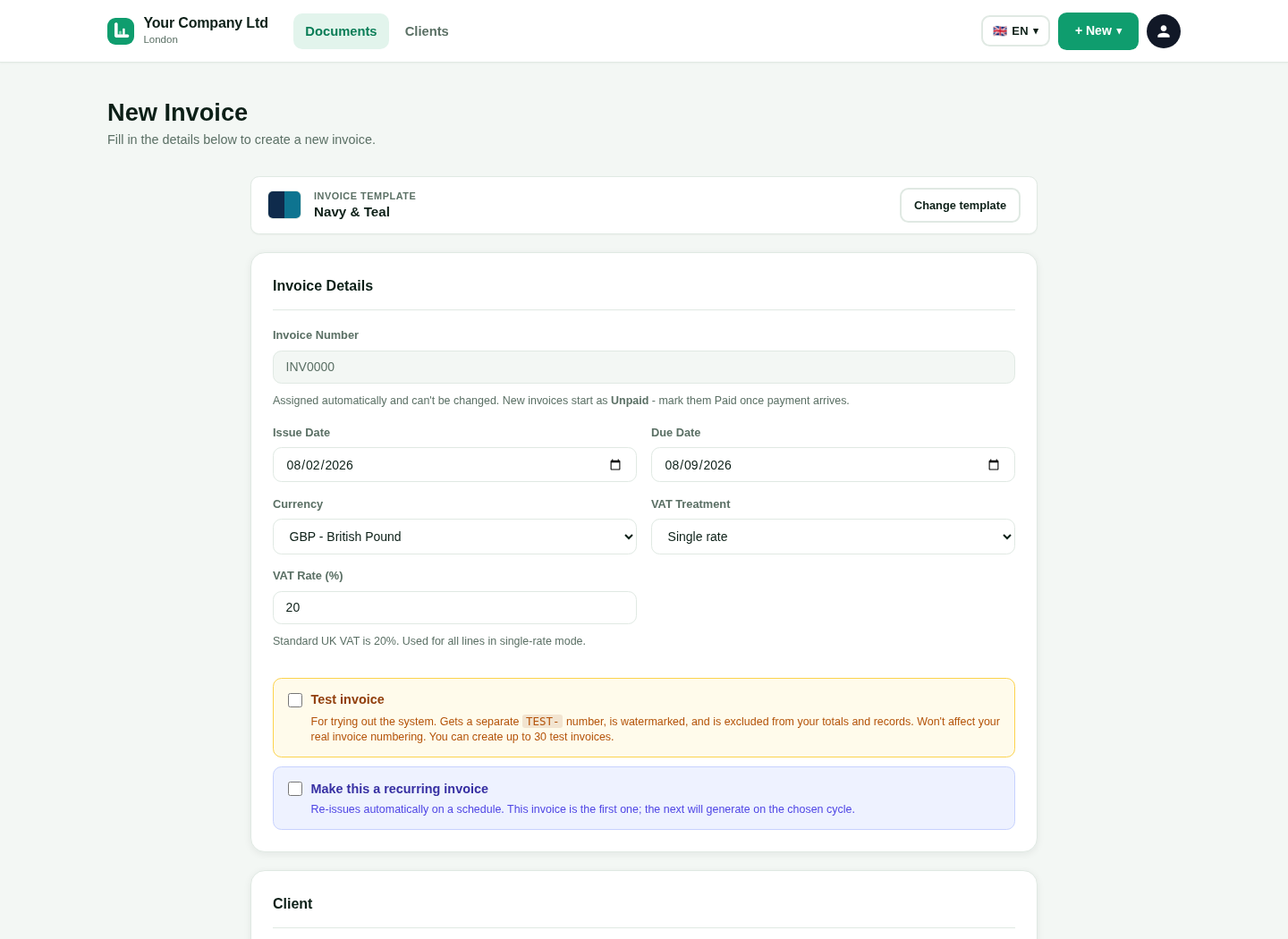
Open LingvaBill in the language that is easiest for you.
Choose from 18 ready interface languages.
Switch the interface language when your needs change.
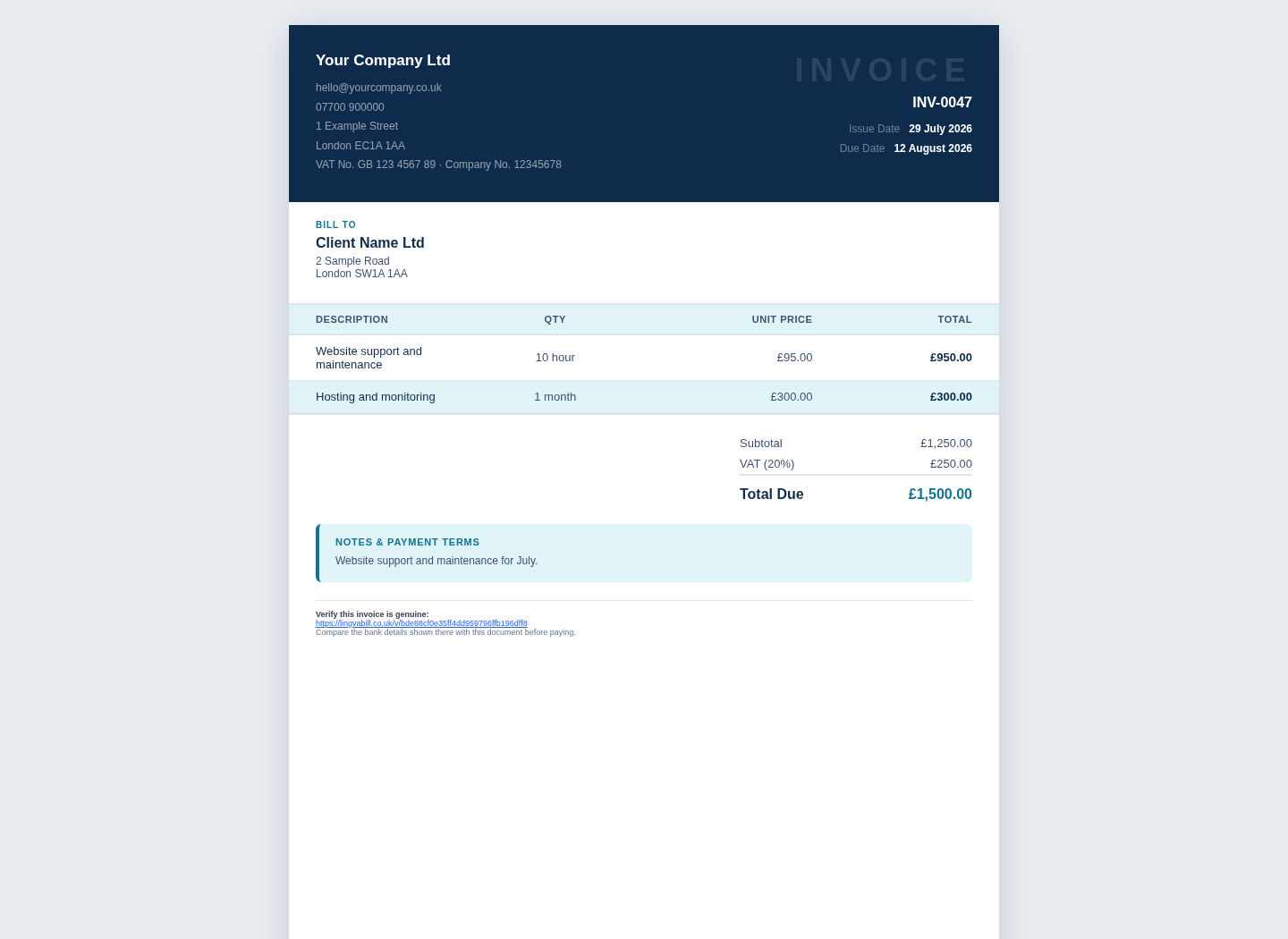
The customer receives a professional English invoice.
This is a genuine capture from the platform. It uses the approved fictional seller and customer details.
Enter the main details once and reuse them later.
Add your business name, address and payment information.
Save the customer name, address and contact details.
Add VAT or CIS details when they apply to your business.
Describe what you supplied and check the amount.
Add a short and clear description of the work or product.
Enter the quantity, unit price and any discount.
Choose the correct VAT or CIS option and check the totals.
Give the customer the invoice and follow its status.
Download or email a professional PDF invoice.
Send a secure online link when that is easier.
Mark the invoice as paid or use a verified online payment update.
Short answers in simple English.