
1
Your payment account
Payments are processed through the Stripe account you connect.
Connect Stripe. Add a payment option. Track the invoice after a verified payment.
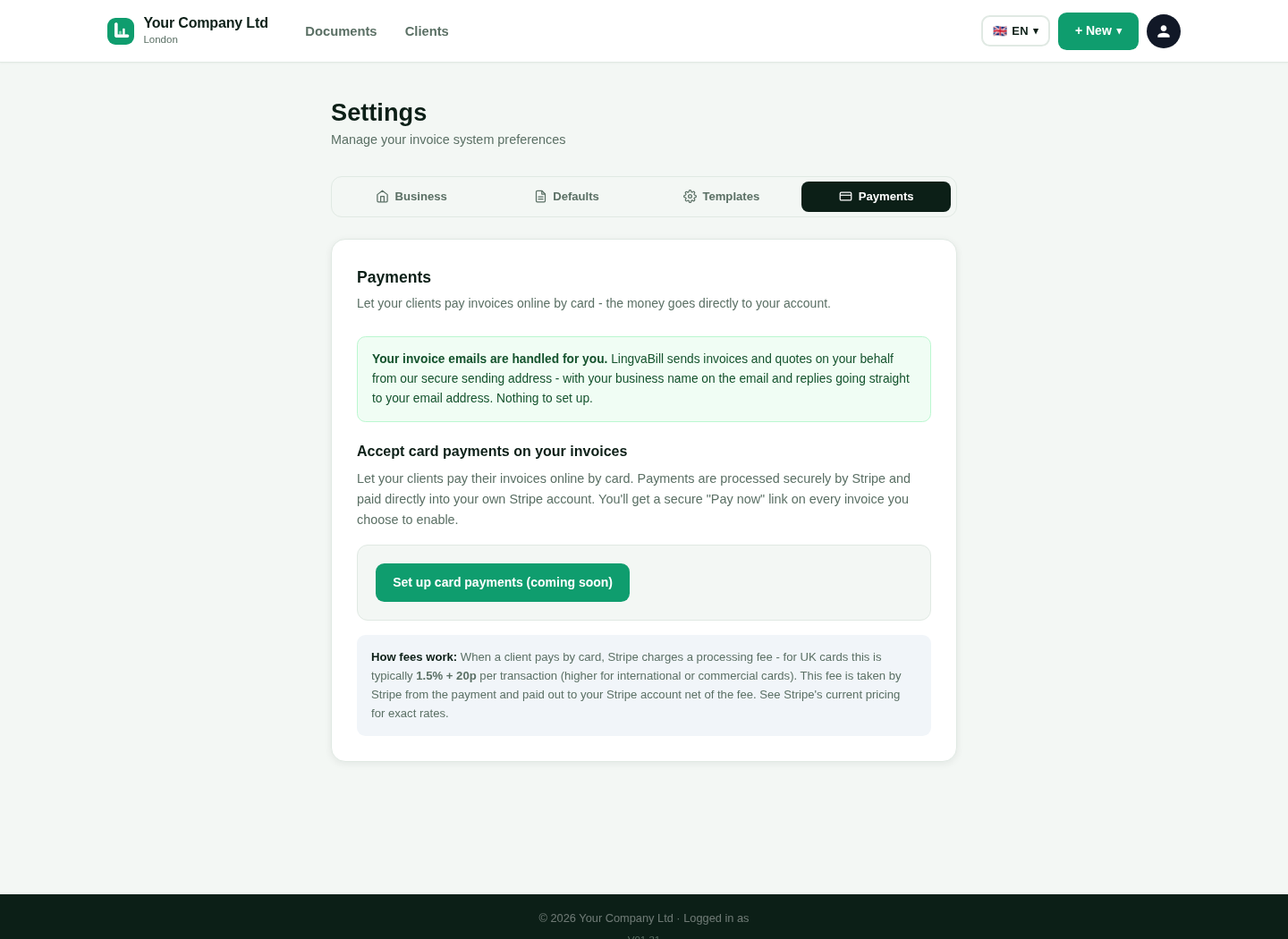
Use Stripe onboarding to connect the account that receives your card payments.
Payments are processed through the Stripe account you connect.
See whether the account is ready for online payments.
Card details are handled by Stripe, not entered into LingvaBill.
This is a genuine capture from the platform. It uses the approved fictional seller and customer details.
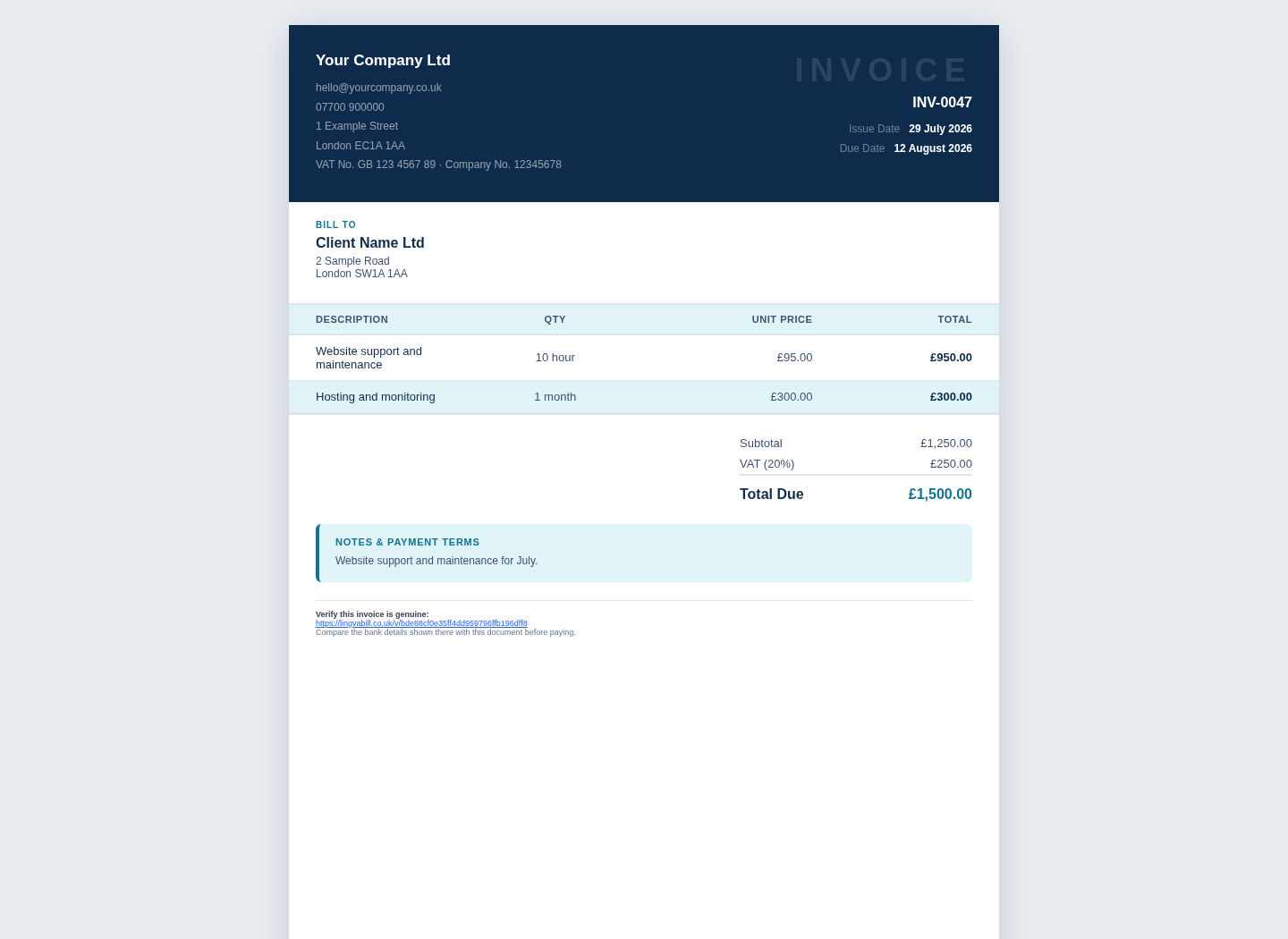
Choose whether the customer can pay that invoice online.
Show a clear payment action on the online invoice.
The payment request is tied to the invoice amount and currency.
The customer follows the secure Stripe payment process.
Update the invoice after a valid payment event.
Show the invoice as paid after a verified successful payment.
Keep the payment information connected to the invoice.
See the payment result with the document record.
Short answers in simple English.
Connect Stripe after you create your LingvaBill account.