
Customer
Choose the customer for the recurring work.
Set the schedule once. Review each invoice. Keep regular billing organised.
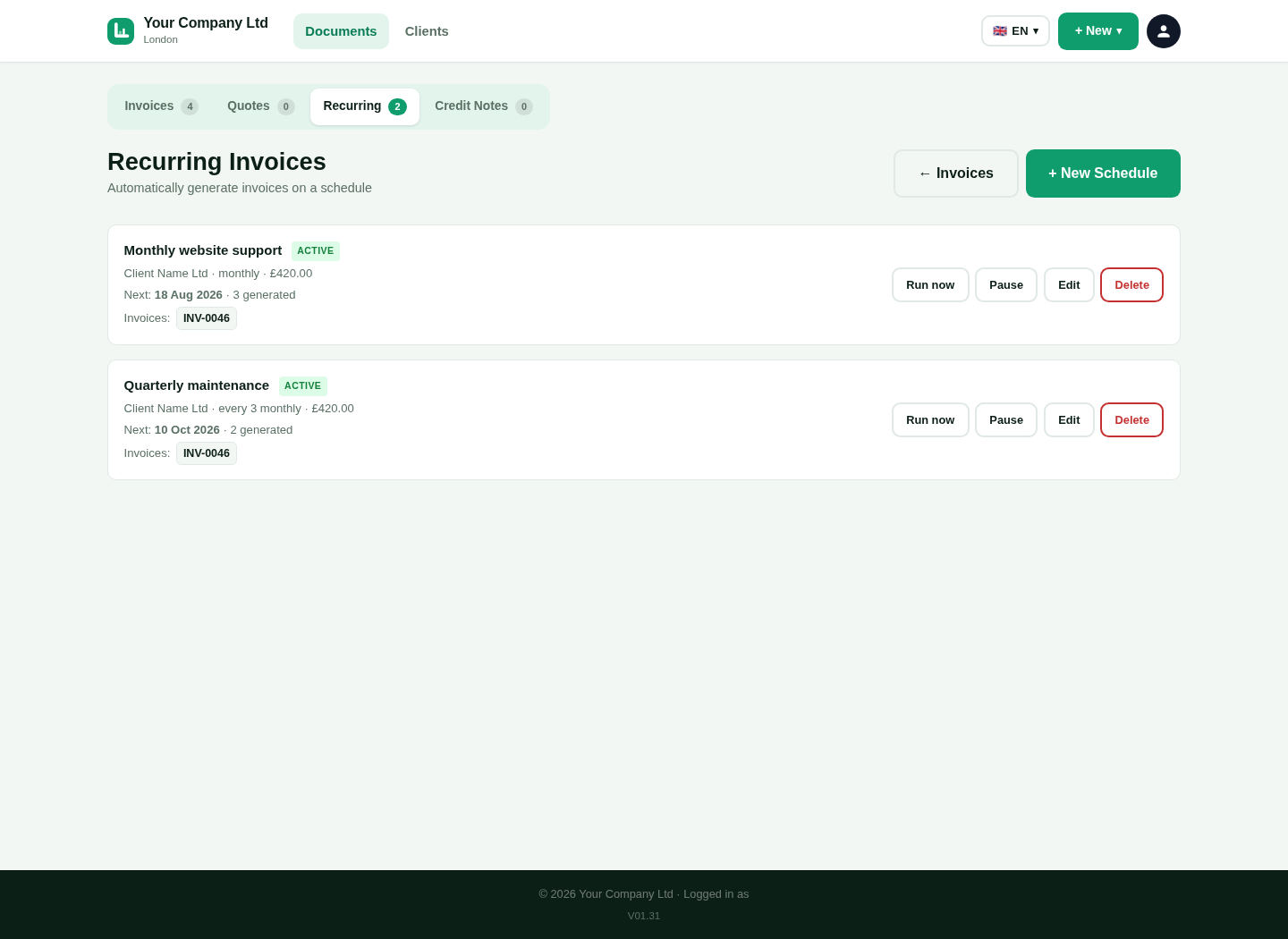
Save the information used for regular work.
Choose the customer for the recurring work.
Save the normal work descriptions and values.
Choose the supported schedule and the next date.
Keep the schedule active or pause it when needed.
This is a genuine capture from the platform. It uses the approved fictional seller and customer details.
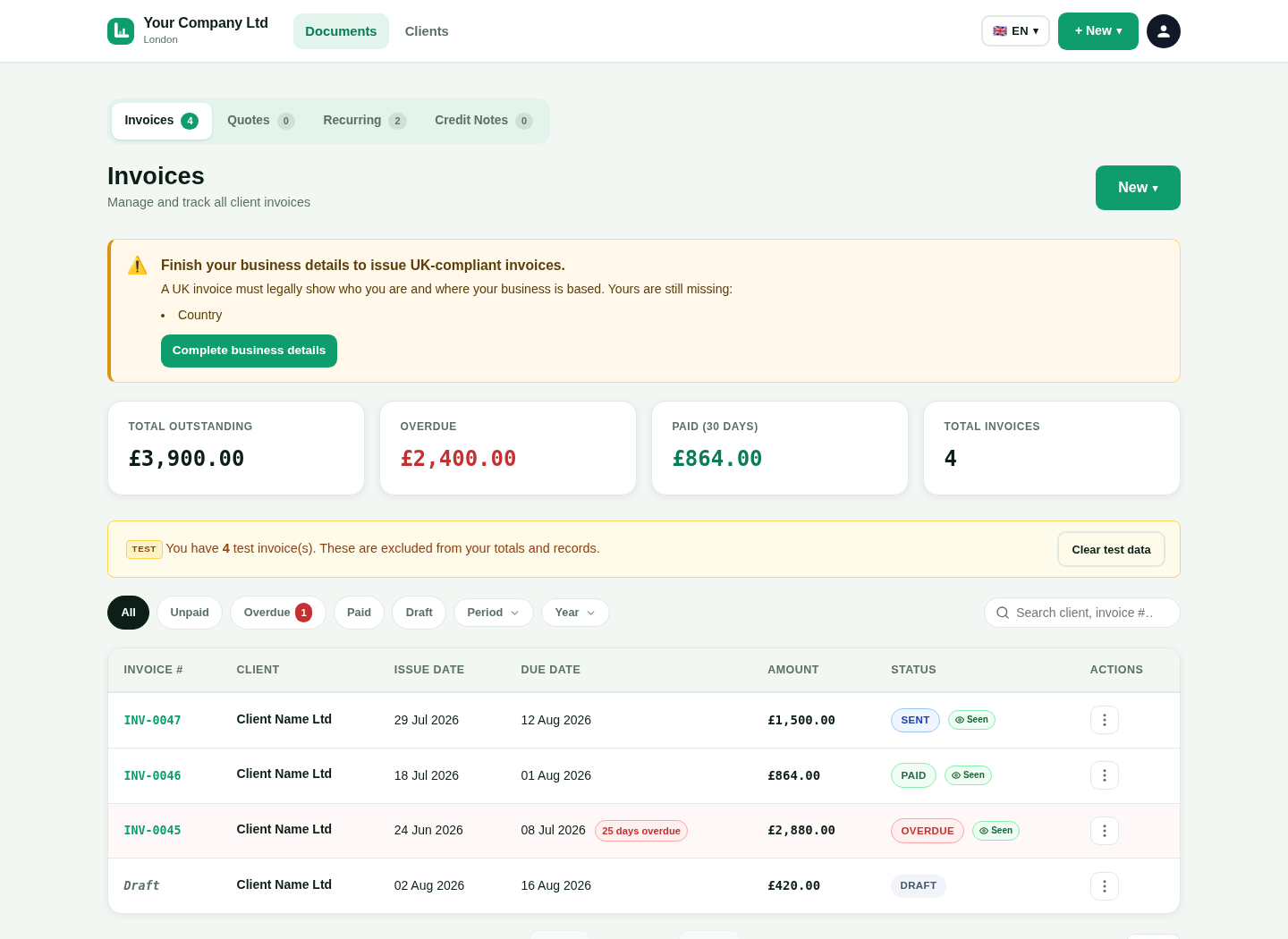
Use the schedule to create a new invoice record.
Each generated invoice receives its own number.
Reuse the customer and item information from the schedule.
Use the correct invoice and due dates for the new document.
Check that the invoice still matches the work.
Update the description or amount when the work changed.
Confirm the VAT or other treatment for that invoice.
Send the invoice and follow its payment status.
Short answers in simple English.